Support Hoicko
How Hoicko can help you? Here you can get all the answers to your question. Knowledge base document, that helps you let you know how hoicko exactly works. Switch to Hoicko.com to make your work more agile and fast!
How Hoicko can help you? Here you can get all the answers to your question. Knowledge base document, that helps you let you know how hoicko exactly works. Switch to Hoicko.com to make your work more agile and fast!
A Workspace is the collection of boards, in a simple way workspace is the house where you can store your data on Board. Show how to create, edit and delete the workspace. Edit- Click on 3 dots and it shows some features of Workspace such as My Task, edit, add member, create board, create folder and delete you can choose the edit option and can edit the workspace name, description, workspace logo and click on save Show how to delete workspace.
Once you setting up the account in Hoicko.com the next step is send invitation for join Hoicko.
In the board module, you will get all the functionality of the board, including its front and backend connectivity, UI, flowchart, and complete technical specifications. I. Board Creation, Edit, and Delete 2. Board Types 3. Board Views 4. Board Features 5. Adding Row in Board 6. Adding Column in Board 7. Invite Members or Share Board
"Forms” are web pages that have various input fields to collect data.
Automation frees up time for your firm to concentrate on its main goals by reducing time, effort, and expense while lowering manual errors. It is possible to finish repetitive chores more quickly. Because each operation is completed precisely and without human error, automating procedures assures high-quality output.
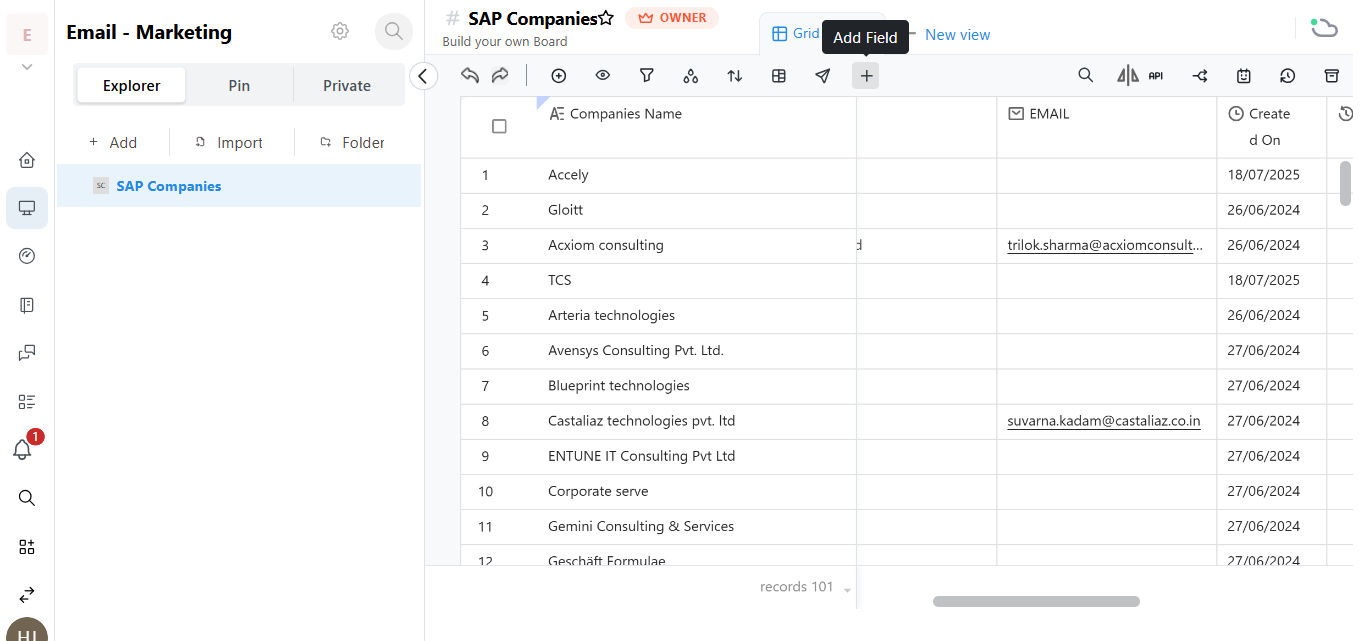
Columns are the backbone of your board, enabling you to display and manipulate workflow data to fit your needs. With various styles to choose from, you can design the board exactly as you like. Organize tasks, track progress, and collaborate effortlessly. Embrace flexibility and optimize your productivity with our user-friendly interface. Customize your board for seamless workflow management.