
Use the Leave Calendar
Updated 8/14/20262 min read
From Leave Requests, switch to the calendar view to see every employee's leave—approved and cancelled—laid out by date, color-coded by status.
Approving requests one at a time is fine for individual decisions, but it doesn't tell you whether five people on the same team are all off in the same week or whether a key project deadline is about to be short-staffed because three approvals happened independently on different days. The calendar view solves exactly this problem by putting every request—across your whole company or a specific filtered group—on a single visual timeline instead of a list.
This becomes especially valuable during predictable high-demand periods (major holidays, end-of-quarter crunches) when multiple people are likely to request the same window. Reviewing the calendar before approving, rather than approving requests strictly in the order they arrive, lets you catch staffing conflicts early and have that conversation with employees before a decision is locked in, rather than after.
Step-by-step:
- Open Leave Management > Leave Requests.
- Switch to the calendar view from the toggle near the top of the screen.
- Browse by month to see all leave requests plotted directly on their requested dates.
- Use the color-coding to distinguish approved leave from cancelled requests at a glance, without opening each entry individually.
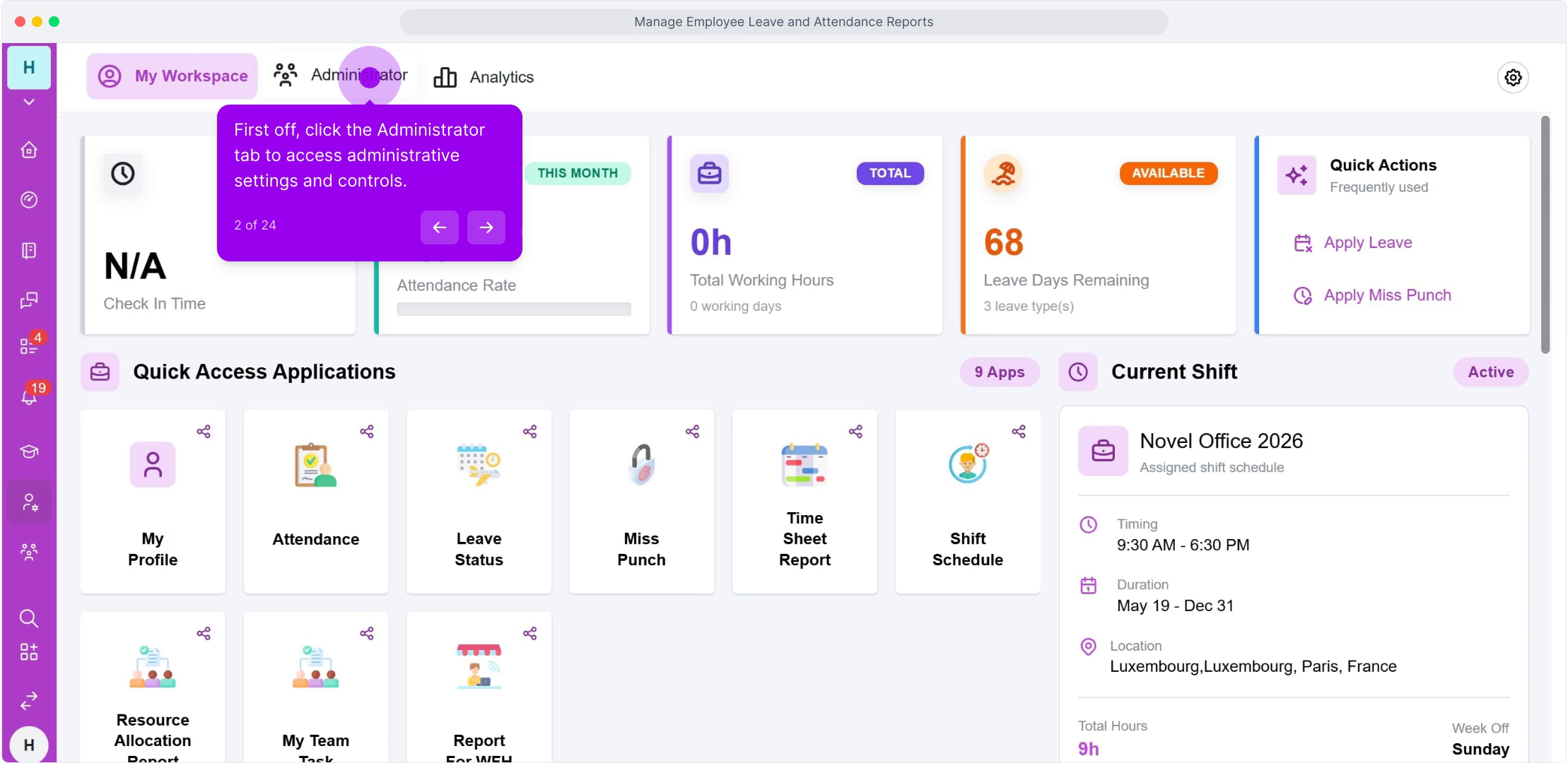
- Click any date entry directly on the calendar to jump straight into that specific request's full details.
- Use Filter and the employee search bar to narrow the calendar down to a specific department or team before approving a batch of requests for that group.
FAQ
Can I filter the calendar by department?
Use the built-in filter alongside your department structure to cross-check which teams have overlapping leave, which is the most reliable way to plan coverage for a specific team in advance.
Does the calendar include holidays too?
Holidays configured in Holiday Management appear alongside leave requests on the same calendar, giving you a complete picture of every non-working day across your company, not just individually requested leave.
Can I export the calendar view for a team meeting or planning document?
The calendar is primarily a review tool inside HRMS; for sharing outside the system, cross-reference it with the Attendance Report export covered later in this guide, which includes the same leave data in a downloadable format.
Related content
Is this article helpful?
Help us improve our articles.