
Track Location-Based Attendance
Updated 8/14/20262 min read
Open the Location Report from Quick Access Applications to see every employee's check-in and check-out location plotted on a live map. Filter by category (office, client site, or WFH) and click any marker to see exact check-in/check-out times and coordinates.
For teams that work across multiple offices or client sites, knowing someone punched in isn't as useful as knowing where they punched in from. Hoicko HRMS geo-tags every punch and plots it on a map view, which is especially valuable for field teams, client-onsite staff, and hybrid workers whose actual work location changes day to day and can't be captured by a single fixed shift setting alone.
The category filtering on this report is what makes it practical at scale. Rather than scrolling through hundreds of pins with no way to distinguish them, you tag locations by type during shift and employee setup — office, onsite client, work from home, or custom site tags — and then filter the map down to exactly the group you're reviewing, whether that's checking on one client site's onsite team or confirming a remote employee's general working pattern.
Step-by-step:
- From the HRMS dashboard, click Location Report under Quick Access Applications.
- Use the date picker to select the month or specific day you want to review.
- Filter the map using location categories—for example, Office, Onsite Client, Work From Home, or any custom site tags your company has configured.
- Click any pin on the map to open that employee's card, showing their name, email, check-in time and location, and check-out time and location.
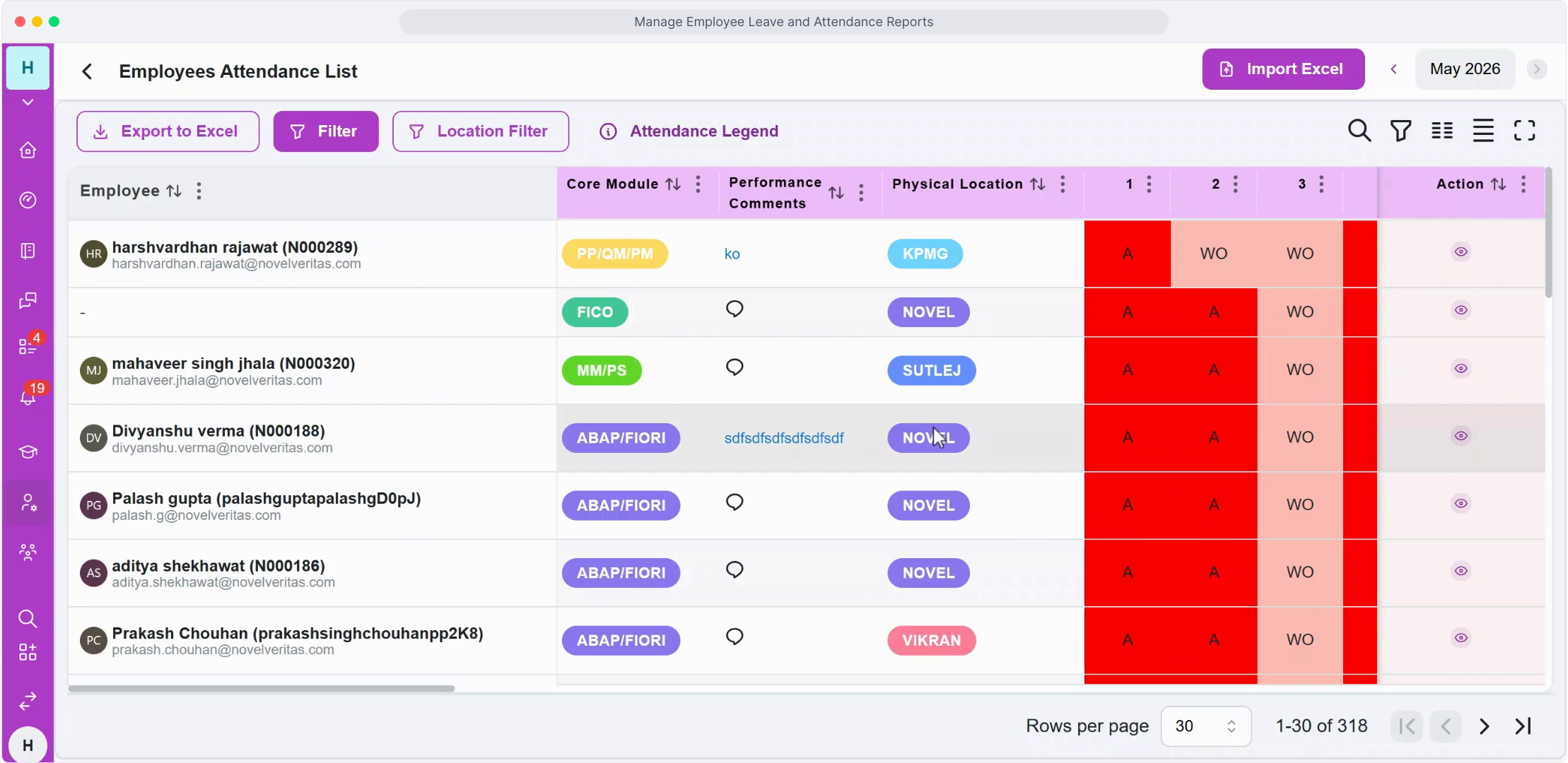
- Toggle Show Punch-out Locations to see both ends of the employee's day on the map at once, useful for confirming they checked out from the same general area they checked in from.
- Use Filter by Location to narrow results by Country, State, and City—useful for companies with distributed teams across regions who need to review one region at a time.
FAQ
Does location tracking work on both mobile check-in and biometric machines?
Location capture applies to mobile-based punches; machine punches are tied to the fixed, known location of the registered device instead, since there's no GPS data to capture from a stationary biometric unit.
Can I see historical location data, or only today's?
The report is filterable by month and date, so you can review historical attendance and location data going back through your records, not just the current day's activity.
Is employee location tracked outside of check-in/check-out events?
No—location data is only captured at the moment of a punch event, not continuously through the day, so there's no ongoing location tracking between check-in and check-out.
Related content
Is this article helpful?
Help us improve our articles.