
Set User Roles & Permissions
Updated 8/14/20262 min read
Hoicko HRMS supports five roles—Owner, Manager, Editor, Updater, and Reader—assigned under Enable HRMS for Roles, each granting a different level of access to HR data and configuration.
Not everyone in your company needs the same level of access to HR data, and giving everyone full admin rights just because it's the path of least resistance tends to cause problems later—accidental edits to leave policies, visibility into salary-adjacent data for people who shouldn't have it, or simply a cluttered admin experience for people who only ever need to view their own team's attendance. Hoicko HRMS solves this with a five-tier role system that scales from full configuration control down to read-only visibility, so you can match access to actual responsibility.
In practice, a typical rollout looks like this: your core HR team gets Owner or Manager rights, direct people managers get Manager or Editor rights scoped to their reports, someone handling day-to-day data entry (like updating attendance corrections) gets Updater, and anyone who just needs visibility—finance checking headcount, for instance—gets Reader. None of this is enforced automatically; it's on you to assign roles deliberately during setup, which is exactly why this step exists as its own configuration screen rather than being bundled into a single "give everyone access" toggle.
Step-by-step:
- During HRMS setup (or later from Account & Domain Info), toggle Enable HRMS for Roles on.
- Under Enable HRMS For, click the roles dropdown to open the list of available roles.
- Select the roles that should receive HRMS permissions—Owner, Manager, Editor, Updater, or Reader—from the list shown.
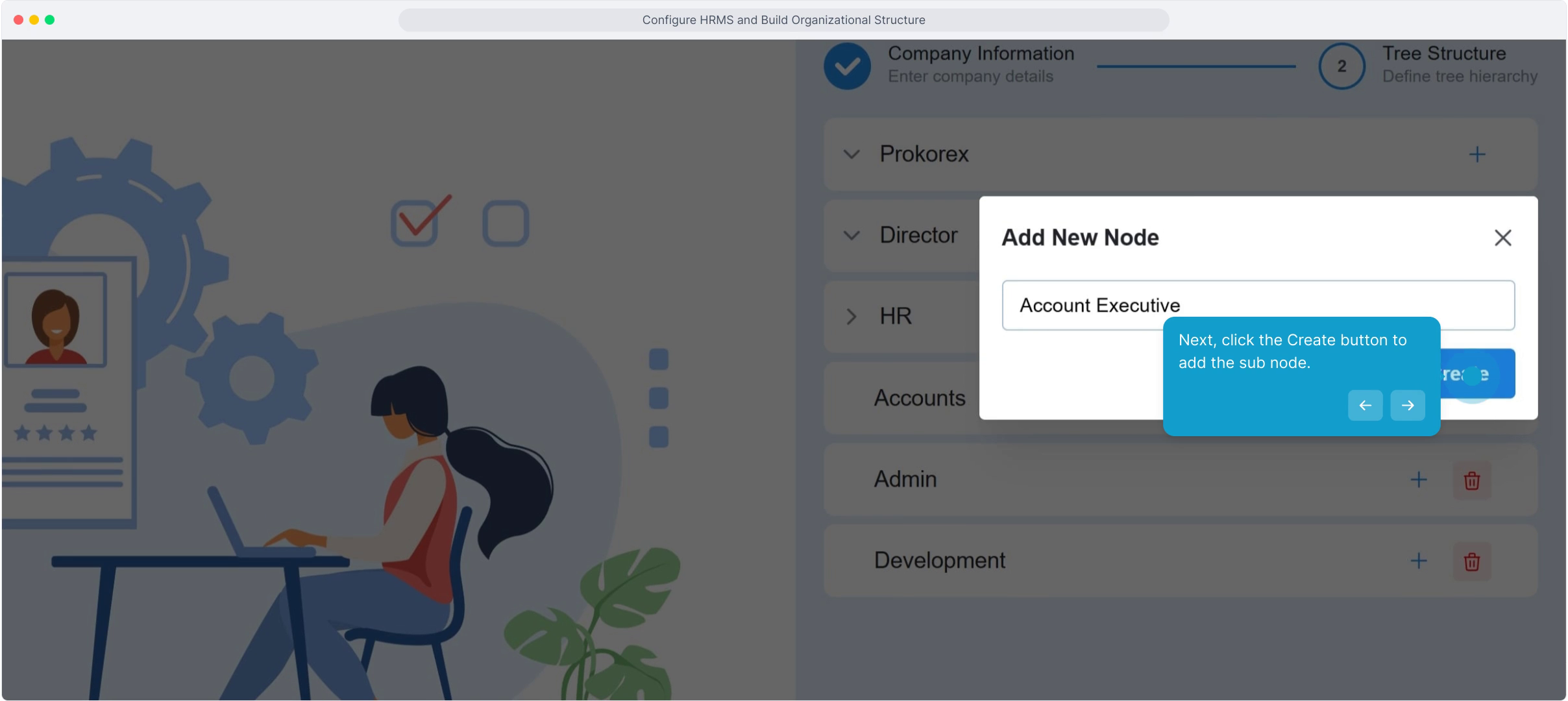
- Click Next to confirm the role assignment and move forward in the setup flow.
- Repeat this process for Enable Time Sheet roles separately, if timesheet access should follow a different permission set than general HRMS access — for example, you might want project managers to see timesheets but not leave or salary-adjacent HR data.
FAQ
What can a "reader" do that a "manager" can't?
A reader typically has view-only access to HR data—they can see reports and records but cannot approve requests or change configuration. A manager can additionally approve leave, update attendance, and make configuration changes within their scope.
Can one person hold multiple roles?
Role assignment follows your company's actual reporting structure. In practice, you assign the single role that best matches a person's real responsibility level rather than stacking multiple roles on one person, which keeps the permission model easy to audit later.
What's the difference between an editor and an updater?
Editor generally implies broader configuration rights (creating or modifying policies, shift templates, and similar setup-level data), while Updater is scoped closer to day-to-day record updates like correcting an attendance entry—think of Editor as "can change the rules" and Updater as "can change the records."
Who should get owner access?
The owner should be reserved for the small group of people ultimately accountable for your HR configuration—typically HR leadership or whoever is responsible for the Hoicko account itself—since owner-level access includes the ability to change role assignments for everyone else.
Related content
Is this article helpful?
Help us improve our articles.