
View Employee Leave Status
Updated 8/14/20262 min read
Open Employee Leave Status from Quick Access Applications to see each employee's leave balance, days used, and pending requests in one table.
Rather than calculating leave balances by hand from the Leave Policy and Leave Requests modules separately—total quota minus approved days minus pending requests—this view brings all three numbers together per employee in a single table. It's the fastest way to answer the question "how much leave does this person actually have left" without piecing it together from multiple screens.
This view is used constantly by both HR and line managers, for slightly different reasons. HR tends to use it for policy compliance checks (has anyone significantly overused or underused their quota this year), while managers use it more tactically, checking a direct report's remaining balance before approving a new request or planning team coverage around known upcoming leave.
Step-by-step:
- From the HRMS dashboard, click Employee Leave Status.
- Review the table showing each employee alongside their assigned leave policy, total quota, days used, and remaining balance, all in one row per employee.
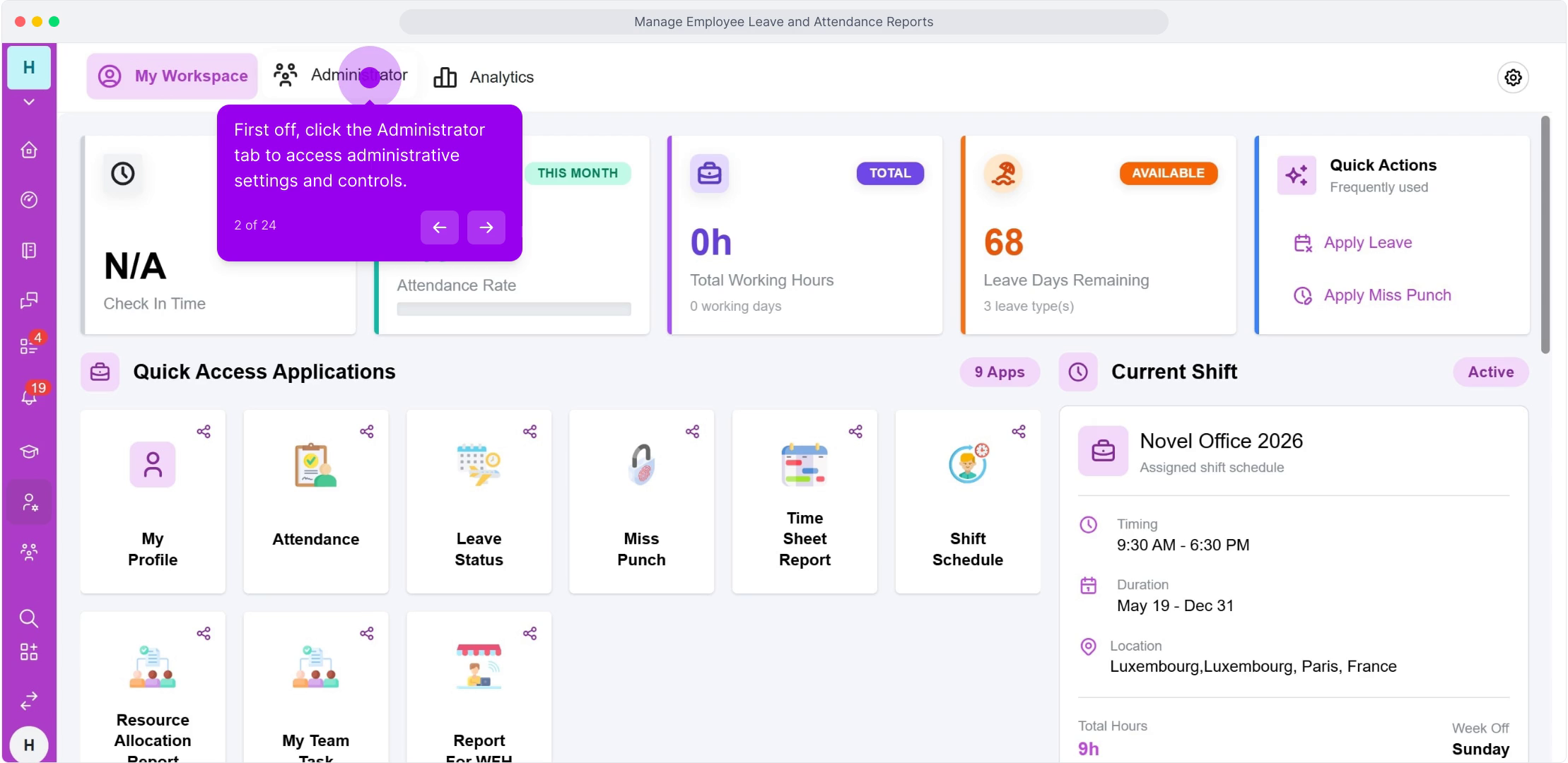
- Use search or filters to find a specific employee or department rather than scanning the full company list.
- Click into an employee's row to see the breakdown by individual leave type, since the summary view aggregates across all their assigned leave types by default.
FAQ
Does this view update in real time as requests are approved?
Yes—balances reflect approved leave immediately, so there's no lag between an approval decision and the updated remaining quota shown here.
Can employees see this same view for themselves?
Employees see their own leave status from their personal dashboard's Leave Status tile, scoped to just their own data rather than the full company or team view administrators see.
What does it mean if an employee shows a negative remaining balance?
This typically indicates leave was approved beyond their assigned quota—worth reviewing the specific leave requests behind it, since it may point to a policy assignment issue or an approval made without checking the remaining balance first.
Related content
Is this article helpful?
Help us improve our articles.