
Manage Employee Profiles
Updated 8/14/20262 min read
Open Employee Management > Employee List to search, filter, and open any employee's profile; use Department Structure alongside it to see how each employee maps to your org chart.
The Employee List is the single source of truth for every person in your company inside Hoicko HRMS — from fully active employees to newly added candidates still completing onboarding. Everything you've configured elsewhere in this guide — leave policies, shift assignments, department placement — ultimately shows up as fields on an individual employee's profile, which makes this the natural place to check or correct any single person's setup.
Keeping this list clean matters more as your company grows. A small team can get away with occasionally messy data because everyone knows everyone; at scale, an inaccurate Employee List (wrong department, stale shift assignment, missing reporting manager) quietly breaks reports and approval routing without anyone noticing until something goes visibly wrong, like a leave request routing to the wrong manager or an attendance report undercounting a department's headcount.
Step-by-step:
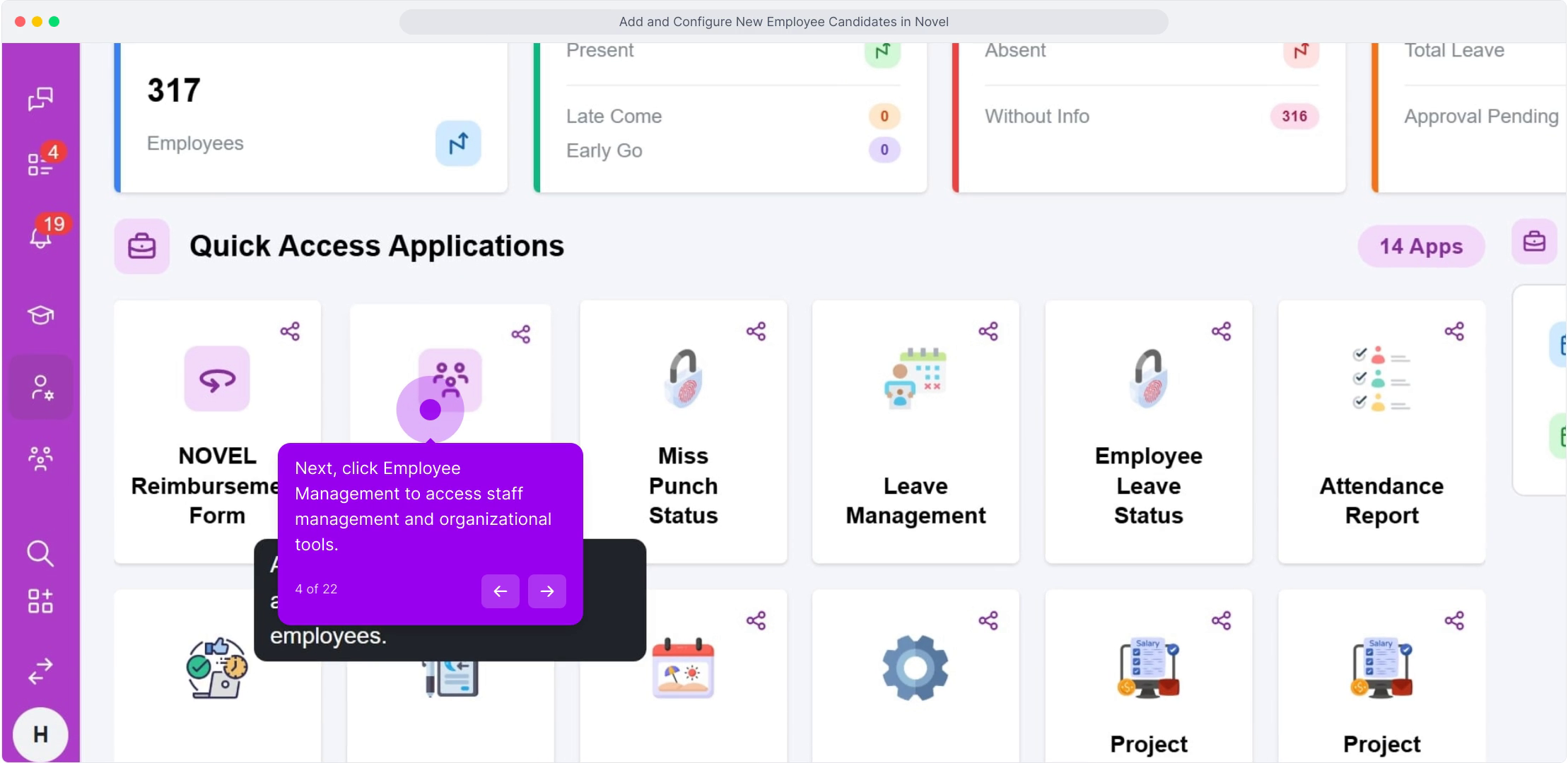
- From the HRMS dashboard, click Employee Management.
- Open Employee List to see all employees and candidates, with their name, department, and designation displayed in the main table.
- Use the search bar to find a specific employee by name or employee code, rather than scrolling through the full list.
- Click into a profile to view or edit their Personal Details, Department, Designation, and Shift, using the same tabbed layout you'd see when originally adding them.
- Cross-check a department's headcount against the department structure periodically to confirm the org chart and the actual employee list stay in sync as people join, leave, or move teams.
Image
FAQ
Can I bulk-update employee department assignments?
Updates are made per employee profile to keep each record's history accurate, so for large restructures, work through the Employee List systematically rather than expecting a single bulk-edit action.
What's the difference between Employee List and Department Structure?
The employee list shows individual people and their details. Department structure shows the hierarchy of departments and positions itself. Think of the department structure as the map and the employee list as the people located on it.
Can I deactivate an employee without deleting their record?
Employee status is one of the fields available on a profile—updating this rather than deleting the record entirely preserves historical attendance and leave data while reflecting that the person is no longer active.
Related content
Is this article helpful?
Help us improve our articles.