
TatvaAI Dashboards Explained
Updated 8/31/20262 min read
While TatvaAI's chat interface is great for one-off questions, dashboards are where recurring, at-a-glance insights live. A TatvaAI dashboard groups related KPI cards and charts into a single view — such as "Materials Management" or "Sales" — that updates automatically as ERP data changes.
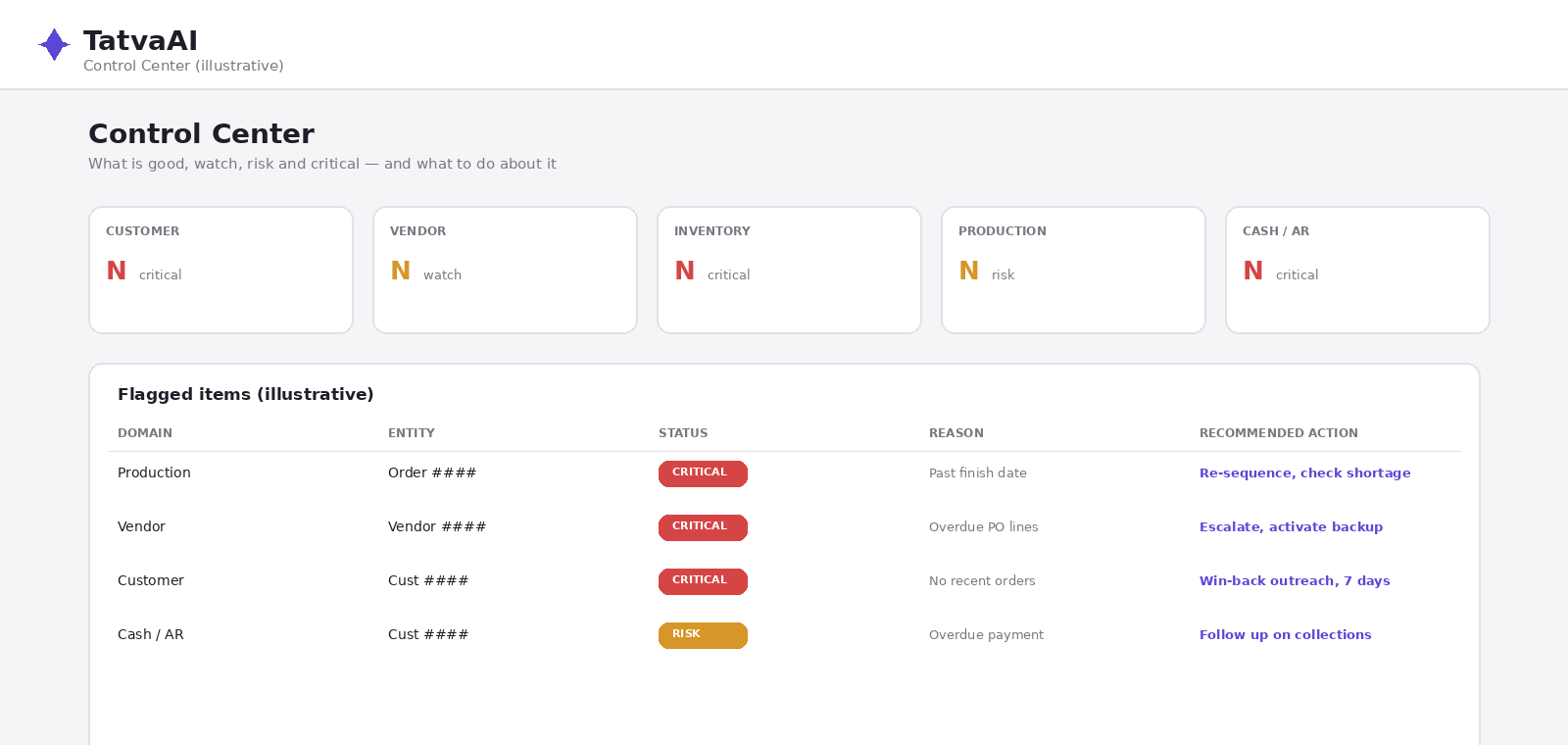
What a TatvaAI Dashboard Contains
A typical dashboard is made up of individual "charts," each showing one metric or trend:
- KPI cards — a single large number, such as total vendor spend or distinct vendor count
- Trend charts — a line chart showing how a metric moves over time, such as spend trend across several years
- Data tables — for metrics that are easier to scan as rows and columns
Each chart card is refreshable independently, and the whole dashboard can be refreshed at once using a "Refresh all" action.
Why Dashboards Matter Alongside Chat
Chat is ideal for exploring a new question. Dashboards are ideal for monitoring the same set of numbers day after day — a materials manager doesn't want to re-ask "what's my total vendor spend" every morning; they want it sitting on a dashboard they can glance at.
Together, chat and dashboards cover two different needs: ad-hoc exploration and ongoing monitoring.
How Data Freshness Works
Dashboards show when they were last updated and use a configurable cache duration (measured in seconds) so that charts don't need to hit the live data source on every page load, while still staying reasonably fresh.
Who Dashboards Are For
Because dashboards are grouped by business domain, they naturally map to how teams are organized — a materials team opens the Materials Management dashboard, a sales team opens the Sales dashboard, and so on. This keeps each team focused on the metrics that matter to their role.
FAQ
Q 1. What is a TatvaAI dashboard?
A grouped set of KPI cards and charts around one business domain, like Materials or Sales.
Q 2. What's the difference between chat and dashboards?
Chat is for one-off questions; dashboards are for ongoing monitoring.
Q 3. How fresh is dashboard data?
It refreshes based on a configurable cache duration and can also be refreshed manually.
Q 4. Can I refresh a single chart?
Yes, each chart card can typically be refreshed independently.
Q 5. Who uses which dashboard?
Teams typically use the dashboard that matches their domain, such as Sales or Materials.
Related content
Is this article helpful?
Help us improve our articles.